

Test Tab Generator
To Run the Report:
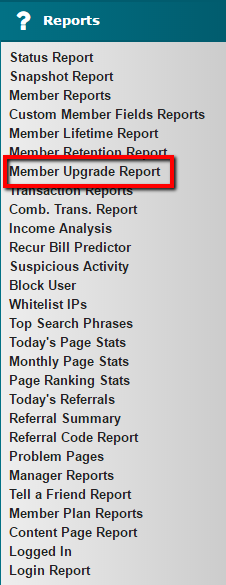
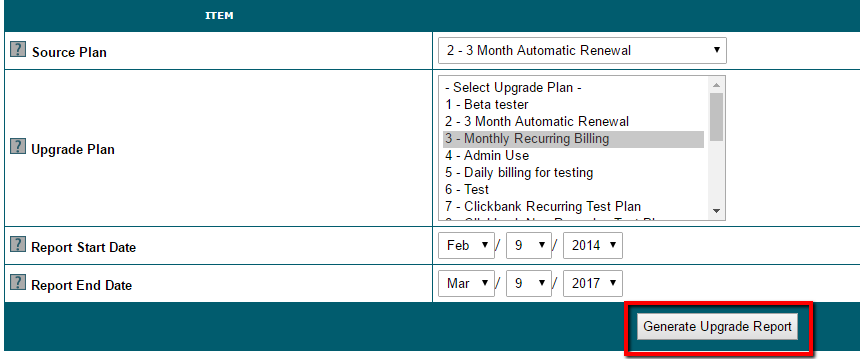
1. Under 'Reports' choose 'Member Upgrade Report'
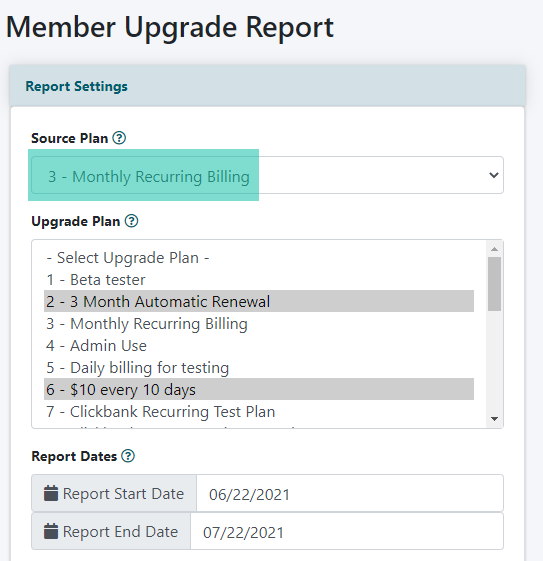
2. In the drop down menu for the 'Source Plan' select the initial plan that the member had subscribed
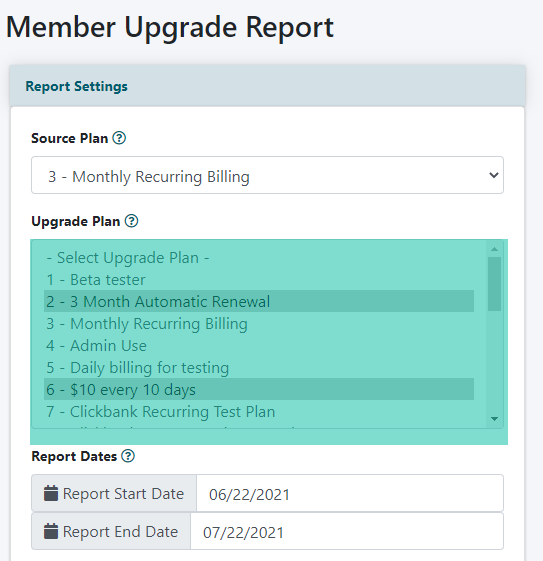
3. The next field, 'Upgrade Plan', will list all of your member plans. Select all member plans that would be considered the upgrade plan. Hold the ctrl key to make multiple selections. These are the plans that the members are currently in.
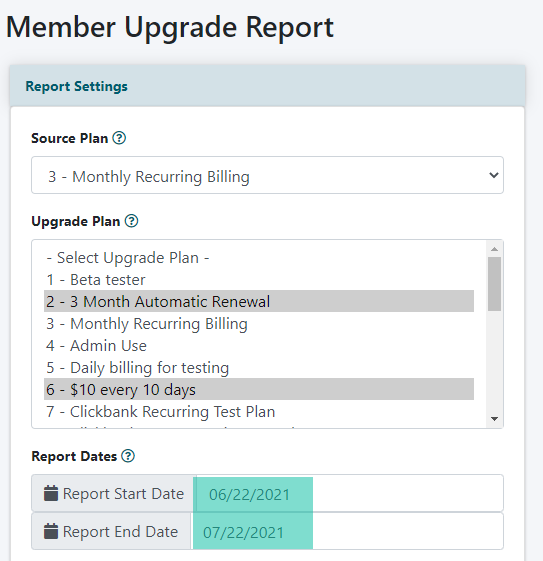
4. Set the dates for the report start and end date. The date range results would include all members who upgraded during that time period (not when they first signed up for the source plan, but the time frame that they had upgraded).
5. Click the 'Generate Upgrade Report' button
Lorem ipsum dolor sit amet, consectetur adipiscing elit. Suspendisse maximus dui vitae felis suscipit vestibulum. Cras vitae risus sed eros ornare tristique. Fusce et magna arcu. Fusce bibendum dapibus odio sit amet efficitur. Etiam volutpat eget arcu quis interdum. Nam ac risus posuere, tincidunt ante sed, luctus mi. In vestibulum nulla et mollis varius.
contact us